
Shape the workflow
Use project states that describe how your work moves, from unscheduled through review and completion.
Use a board for the flow of work, a list for the details, or a calendar for the schedule. Your team works from the same work items in every view.
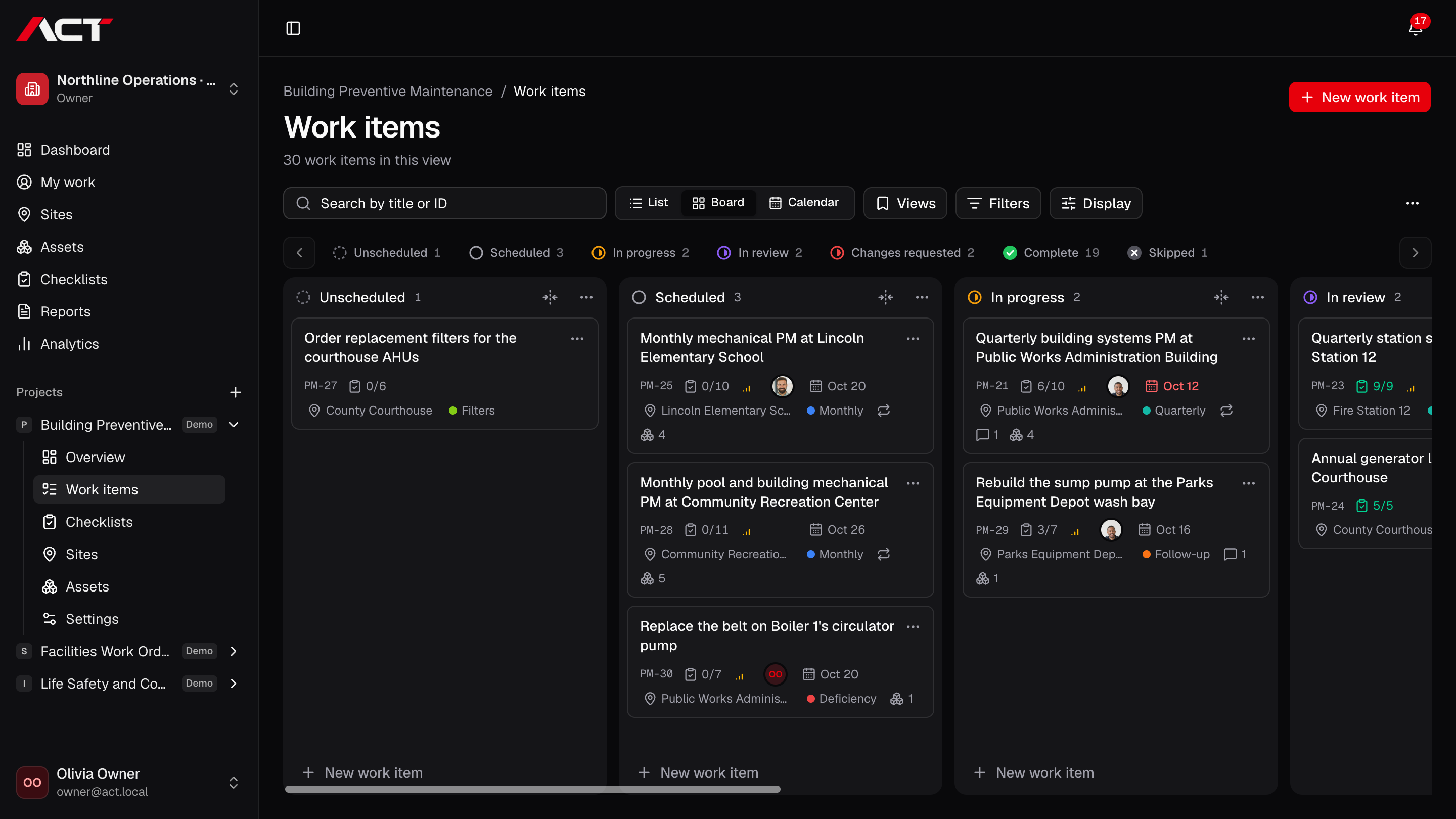
Use project states that describe how your work moves, from unscheduled through review and completion.
Filter the project to the work you need to coordinate. Switch layouts without making another set of tasks.
Move an item to its next state. Transitions that need a review decision or explanation keep that decision explicit.
No. List, board, and calendar are views of the same work. A change to an item carries across the views.
ACT is preparing for early access. Join the waitlist with your company name and email. We will contact you when your team can be invited; joining does not create an account or guarantee a launch date.
Join the waitlist for ACT Systems. We’ll be in touch when your team can get started.
Early access. Free to join.